
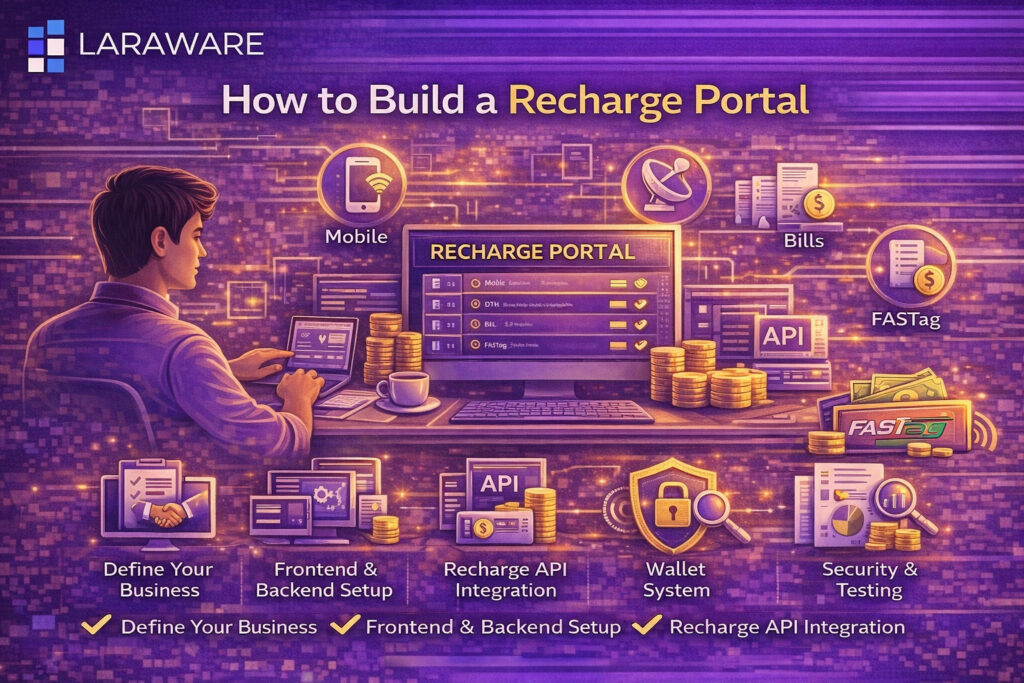
How to Build a Recharge Portal | Recharge Portal Development Guide
A recharge portal is a digital platform that allows users, retailers, and distributors to perform services such as mobile recharge, DTH recharge, data card recharge, and utility bill payments from one place. With the growth of digital payments in India, building a recharge portal has become a strong business opportunity for fintech startups, software companies, and entrepreneurs. A well-built recharge portal can generate recurring revenue, support a large user network, and scale into a full digital services platform. This guide explains how to build a recharge portal step by step. What is a Recharge Portal? A recharge portal is an online platform that connects users or agents with service providers through APIs. It enables digital transactions such as: Mobile recharge DTH recharge Data card recharge Utility bill payments FASTag recharge A recharge portal can be designed for direct customer use or for B2B businesses involving retailers, distributors, and resellers. Types of Recharge Portals B2C Recharge Portal This type is made for direct customers who want to recharge or pay bills online using a website or mobile app. B2B Recharge Portal This type is designed for retailers, distributors, and resellers. It usually includes wallet management, commission settings, and multi-level user roles. White Label Recharge Portal This is a branded portal built for businesses that want their own logo, domain, and custom dashboard while using third-party APIs. Core Components of a Recharge Portal Frontend Interface The frontend is the visible part of the portal where users interact with the system. It should include: Login and registration pages Recharge form Operator selection Wallet display Reports and transaction history The user interface should be simple, responsive, and mobile-friendly. Backend System The backend manages all logic and operations such as: API calls Wallet deductions Commission calculation User authentication Transaction records Reporting This is the core engine of the recharge portal. Recharge API Integration Recharge APIs are required to connect the portal with telecom operators and service providers. The API is responsible for: Receiving recharge requests Processing the recharge Returning success or failure status /what-is-recharge-software Admin Panel An admin panel is necessary to manage the platform. It should support: User management Wallet control Commission settings Reports and analytics Complaint handling Provider configuration Step-by-Step Process to Build a Recharge Portal Step 1: Define the Business Model Before development starts, you need to define how your recharge portal will work. Important questions include: Will the portal serve customers directly or retailers? Will you offer only recharge services or also bill payment? Will the business use a wallet system? Will there be distributor and reseller levels? What commission model will be used? This step determines the structure and cost of development. Step 2: Select the Technology Stack The right technology stack is important for security, scalability, and performance. Common options include: Frontend: React, Vue.js, Angular Backend: Laravel, Node.js, PHP Database: MySQL, MongoDB, PostgreSQL Hosting: AWS, DigitalOcean, Google Cloud The chosen stack should support real-time transaction handling and secure APIs. Step 3: Design the UI/UX Your recharge portal should be easy to use because many users expect a fast transaction flow. Key design priorities: Clear recharge forms Quick operator selection Mobile responsiveness Easy wallet visibility Clean transaction history A good UI improves user retention and reduces transaction errors. Step 4: Build User Management System A recharge portal should include strong user management features such as: Registration Secure login Password reset Role-based access Account activation and suspension For B2B portals, user roles may include: Admin Master distributor Distributor Retailer Step 5: Integrate Recharge APIs This is the most important technical step. Recharge API integration includes: API credential setup Request and response handling Operator mapping Error handling Transaction status updates A typical recharge flow looks like this: User enters mobile number and amount Operator is selected Recharge request is sent through API Provider processes the recharge Status is returned Portal updates transaction history and wallet balance Step 6: Build Wallet and Commission System A recharge portal usually depends on a wallet-based business model. This module should include: Wallet loading Balance deduction Auto commission calculation Distributor sharing Daily transaction reports Ledger records A properly built wallet and commission system is essential for B2B recharge businesses. Step 7: Add Reports and Analytics The portal should provide detailed reports for users and admins. Useful reports include: Daily recharge reports Failed transactions Commission reports Wallet statements User activity logs These reports help businesses manage operations efficiently. Step 8: Implement Security Features A recharge portal handles financial transactions, so security must be built from the beginning. Important security features include: HTTPS and SSL Encrypted API communication Secure login system OTP verification Role-based access Session management Suspicious activity tracking https://www.npci.org.in/https://uidai.gov.in/ Step 9: Test the Portal Before launch, every part of the system should be tested thoroughly. Testing areas include: Recharge request flow API success and failure handling Wallet deduction Commission calculation Reports Login security Performance under load A recharge portal should never be launched without proper QA testing. Step 10: Deploy the Portal Once testing is complete, deploy the portal to a secure production environment. Deployment should include: Domain setup Hosting configuration SSL installation Backup system Monitoring tools Error tracking Step 11: Maintain and Upgrade the Platform Recharge portals need regular maintenance. Ongoing work includes: API updates Bug fixes Security patches Operator updates Feature additions Performance improvements A well-maintained portal performs better and retains users. Must-Have Features in a Recharge Portal Multi-Operator Support The portal should support multiple telecom and DTH operators. Instant Recharge Processing Users expect quick confirmation and fast response. Wallet Integration A prepaid wallet system is essential for B2B use cases. Commission Management The platform should support fixed or percentage-based commission rules. Transaction Reports Reports help both users and admins track activity and income. Reseller and Distributor Support A scalable recharge portal should allow multi-level business growth. /how-to-become-a-bbps-reseller Utility Bill Payment Integration Adding BBPS services can make the portal more profitable. /what-is-bbps-api/services-available-in-a-bbps-portal Cost of Building a Recharge Portal Basic Recharge Portal ₹50,000 – ₹1,50,000 Suitable for simple recharge services with limited features. Standard Recharge